Trusted by CreatorsProfessional resources for photographers and editors.
Premium Creative ResourcesThoughtful designs for your creative workflow.
Secure Digital DeliveryDigital products delivered through a smooth purchase workflow.
FROM FIRST FRAME TO FINAL ALBUM
Professional Wedding Album PSD Templates
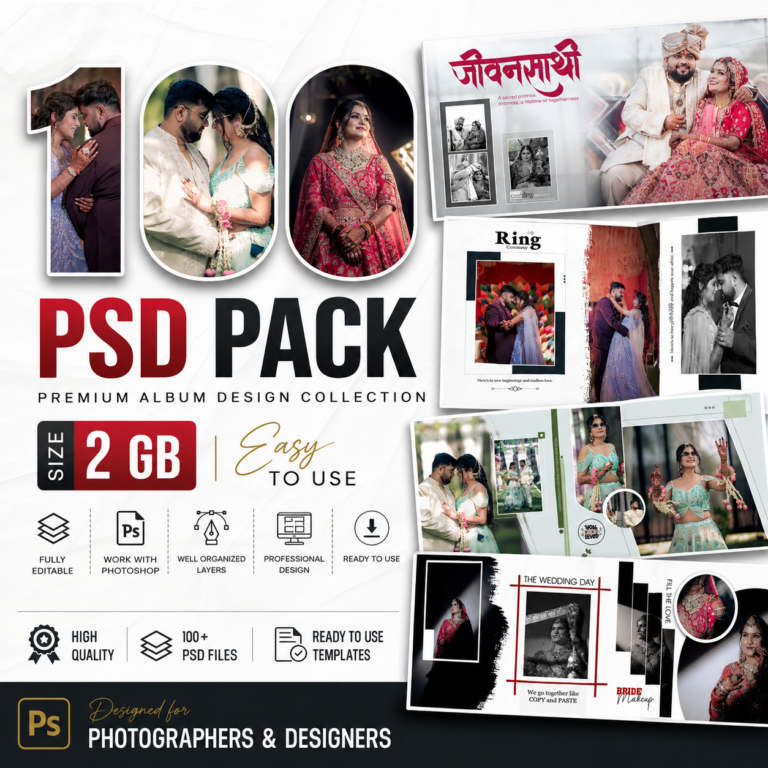
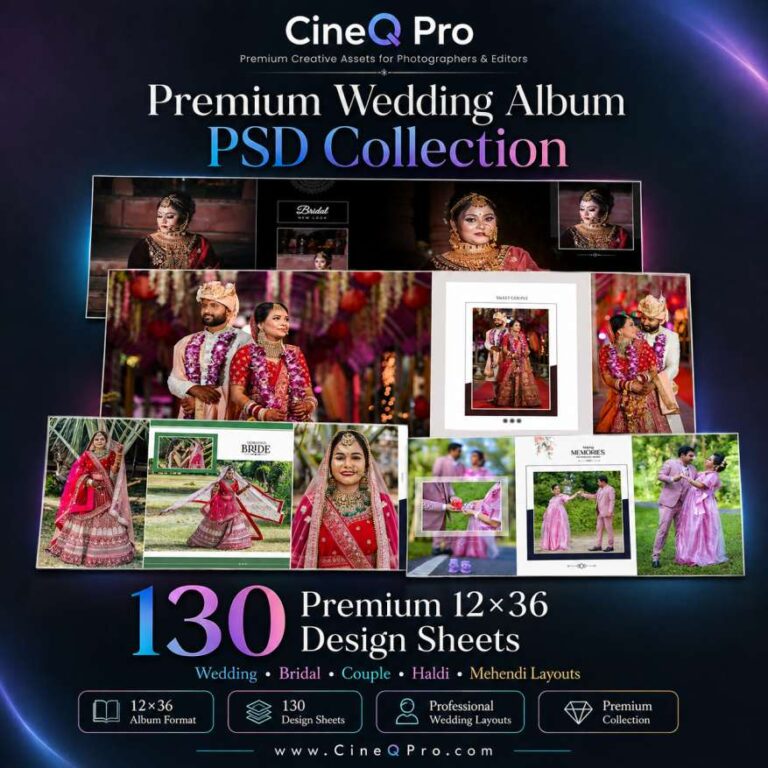
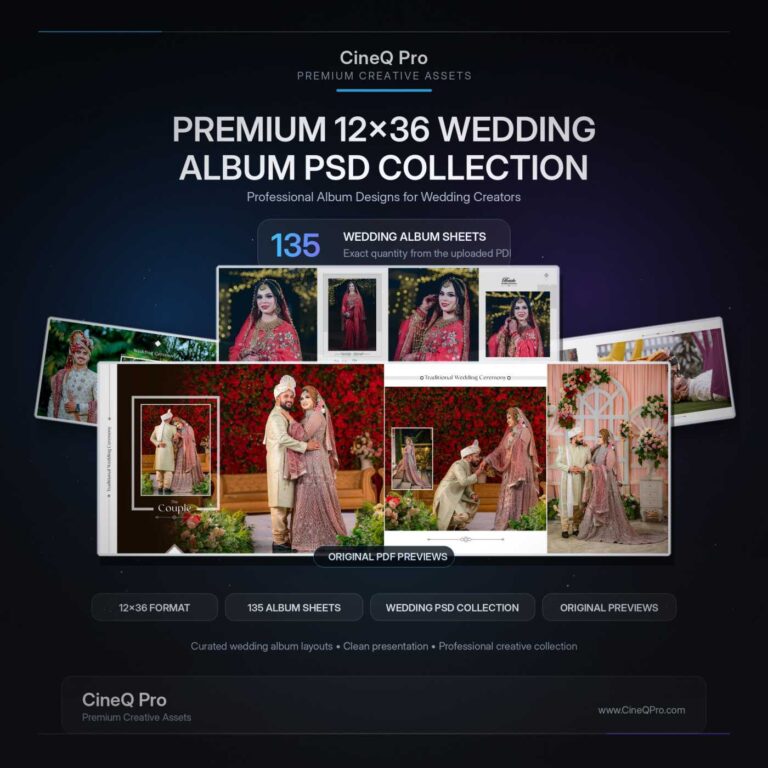
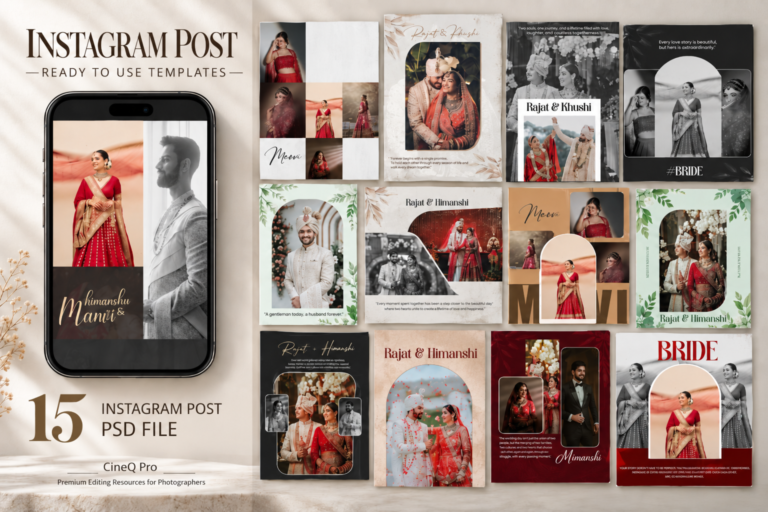
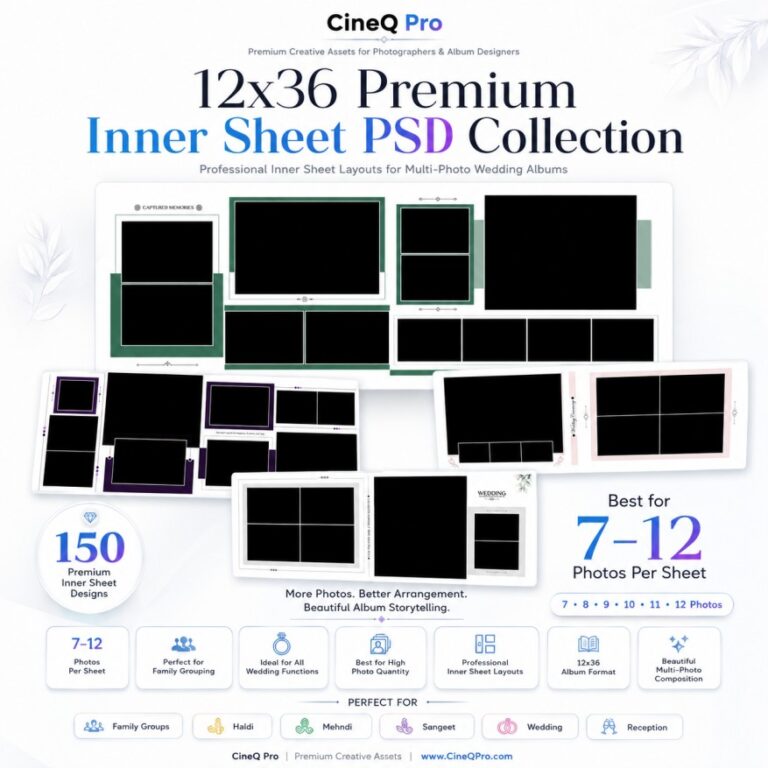
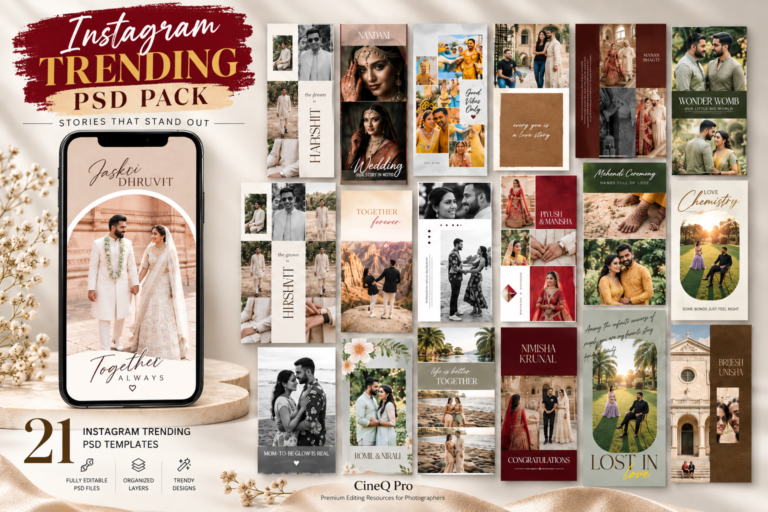
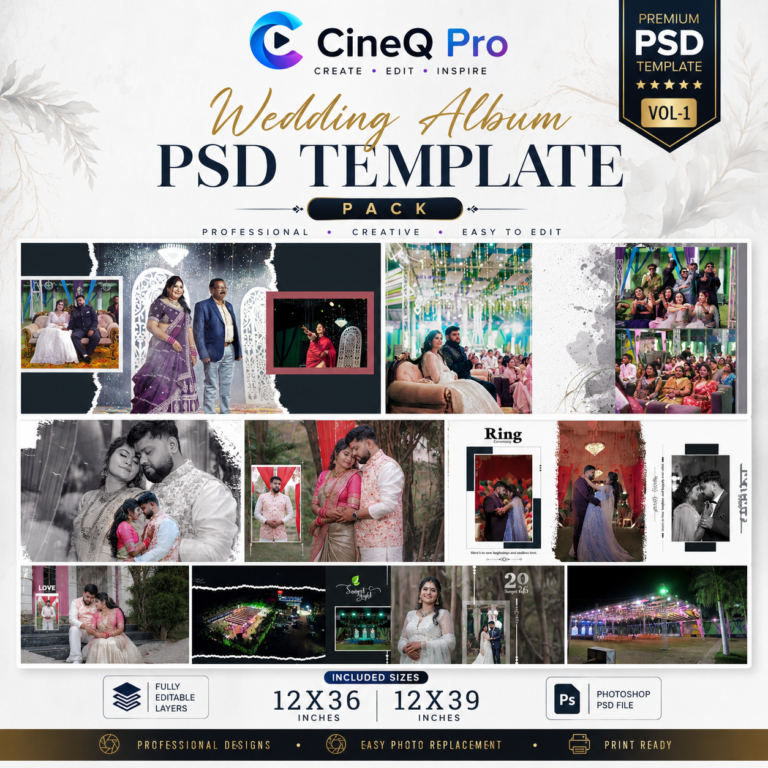
CineQ Pro brings together editable Wedding Album PSD Templates and creative resources for photographers, album designers and editors. Start with a considered layout, add your photographs and shape a story that feels personal to every client.
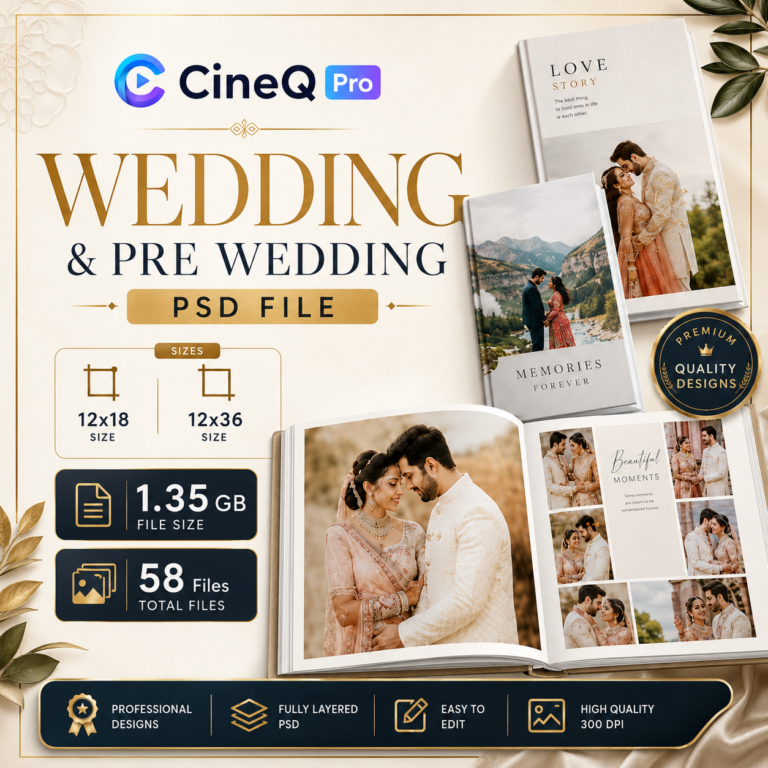
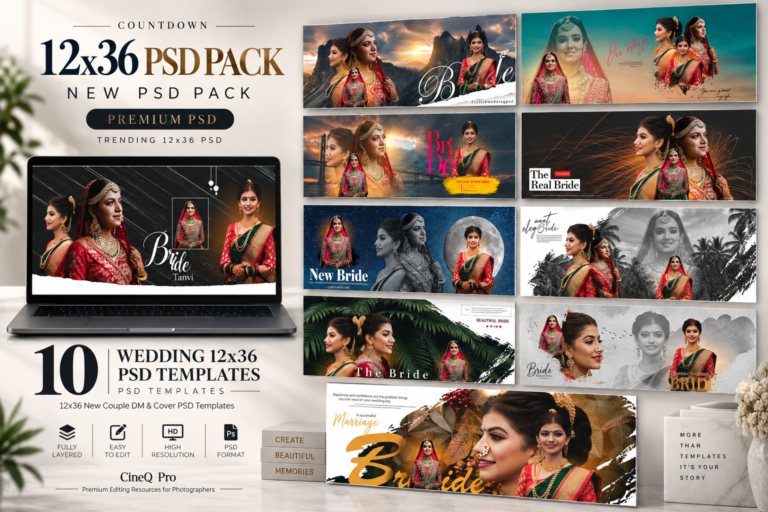
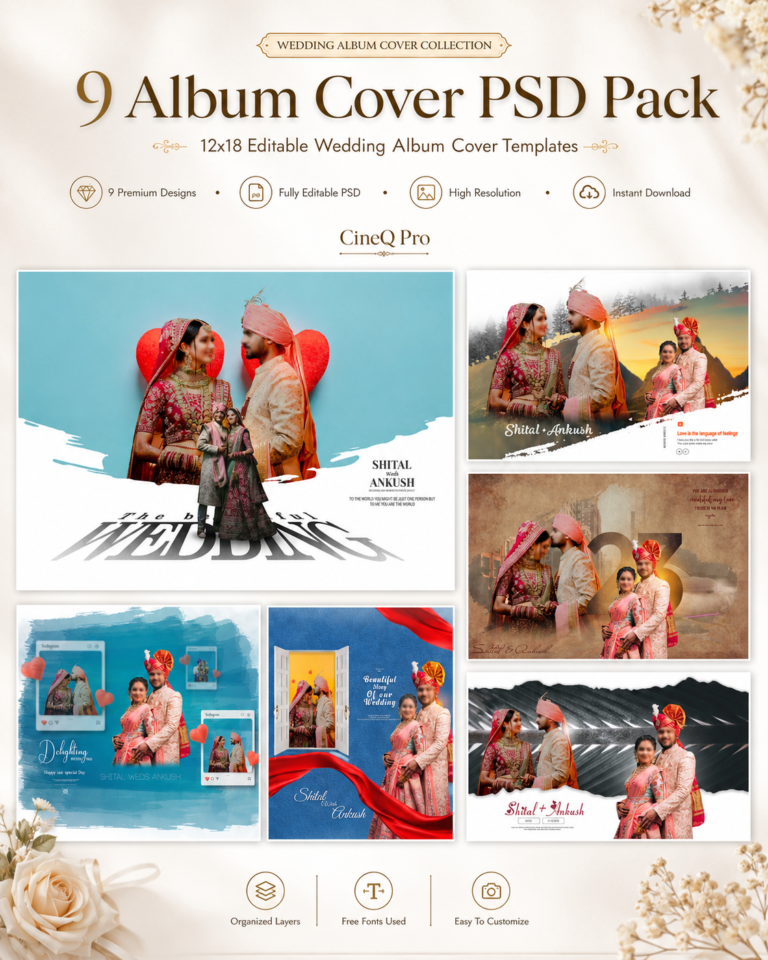
Explore Photoshop PSD Templates for Wedding Album Designs, from Pre-Wedding PSD layouts to Album Cover PSD collections. Choose Photo Album Templates that match your project, then check each pack’s dimensions, file details and software requirements before purchase.
What software is required to use these PSD templates?
PSD templates are designed for Adobe Photoshop. Check the individual product page for the required version, fonts and any additional assets before purchasing.
Are the PSD files editable?
Editable PSD files let you customise the layers supplied in each pack, such as photographs, text and design elements. Review the product description for the exact editing features included.
Can I use the templates for client projects?
CineQ Pro’s standard licence permits use in your own creative work and client projects, unless a listing states different terms. Deliver finished outputs; do not redistribute the template source files or download links. Read the Licensing Policy for full details.
How will I receive my digital files?
After successful payment confirmation, access is provided through the method stated on the product page, such as your order screen, My Account or email. Most automated orders are available within a few minutes. See the Digital Delivery Policy if access is delayed.
Can I use these for wedding album designing?
Yes. Choose a wedding album pack with the dimensions and layout style your project needs. Check the print lab’s requirements for resolution, colour profile, bleed and final export before printing.
Do the files work with recent Photoshop versions?
Compatibility depends on the pack and the features it uses. Check its listed requirements and contact CineQ Pro if your Photoshop version is not covered.
CINEQ PRO • ALBUM FLIPBOOK
Secure access to your album workspace.
Sign in with your CineQ Pro account to open your Album Flipbook dashboard and manage private projects.
◇Secure Sign InProtected access to your CineQ Pro account.
◈Private Album AccessYour album projects remain inside your workspace.
✦Creator SupportQuick help for your Flipbook workflow.
Welcome to 3D Album Flipbook
Secure Access
Welcome back
Sign in to continue to your Album Flipbook dashboard.